Small Form Factor 1440P
| Target Resolution | 1440p (QHD) |
|---|---|
| Target Frame Rate | High (e.g., 60+ FPS) |
| Form Factor | Small Form Factor (SFTX, SFF) |
| Primary Use Case | High-performance gaming |
| Typical CPU Tier | Mid-range to high-end |
| Typical GPU Tier | Mid-range to high-end |
| Key Constraint | Component size and thermal compatibility |
Overview
A Small Form Factor 1440P build guide describes a specific approach to assembling a personal computer that prioritizes a compact physical size while targeting a display resolution of 2560 x 1440 pixels. The core objective is to select components that balance thermal performance, physical dimensions, and graphical power to achieve high frame rates in this resolution bracket. This guide is fundamentally a component compatibility framework, not a single pre-configured product, and its effectiveness is measured by the performance delivered relative to the total cost of the parts. The value proposition centers on maximizing frames per second per dollar spent within the unique constraints of a small chassis, which often necessitates careful part selection to avoid thermal throttling. These builds are distinct from larger desktop towers, as the limited internal volume directly impacts choices for the graphics card, CPU cooler, and power supply unit. The guide serves as a curated list of parts that are known to physically fit and functionally cooperate to meet the 1440P performance goal without overheating.
History
The concept of a dedicated Small Form Factor 1440P build guide emerged from the broader PC enthusiast community in the early 2010s, primarily in North America and Europe, as a niche within the DIY computer market. Its development was driven by the coinciding commercialization of high-density 1440P monitors and the increasing performance of graphics cards capable of driving them, which created a demand for powerful yet space-efficient systems. Early guides were community-driven forum posts and videos that documented the trial-and-error process of fitting powerful hardware into the first generation of commercially available small form factor cases. The practice gained significant traction in the latter half of the 2010s as case manufacturers responded with more refined designs supporting larger graphics cards and better airflow. This period saw the standardization of guidelines around maximum component dimensions and thermal design power limits, transforming the build from a hobbyist experiment into a repeatable template. The evolution continues alongside GPU and CPU generations, with each new hardware cycle requiring guide updates to account for changes in power consumption, heat output, and physical size.
How it works today
Contemporary Small Form Factor 1440P builds function by adhering to a strict set of dimensional and thermal parameters defined by the chosen mini-ITX or micro-ATX case, which acts as the build's primary constraint. The builder must first select a case and then source a graphics card, CPU cooler, and power supply that conform to its published size limits, often requiring research into exact model dimensions. Cooling solutions are critical, typically employing a combination of strategic case fan placement, low-profile air coolers, or all-in-one liquid coolers specifically designed for tight installations to manage heat from high-wattage components. The graphics card is the central component for 1440P performance, and builders prioritize models that offer the best balance of physical length, thickness, thermal performance, and raw output for their budget. Power supplies are almost exclusively SFX or SFX-L form factor units, which are smaller than standard ATX models and provide sufficient reliable power within a tiny footprint. Successful execution results in a system that delivers frame rates comparable to a full-sized desktop at 1440P resolution, but only if all selected parts operate within their thermal envelopes without throttling.
Pros and cons
The primary advantage of a correctly executed Small Form Factor 1440P build is its space efficiency, offering desktop-grade 1440P gaming performance in a footprint often smaller than a gaming console, which is ideal for desks with limited space or for frequent transport. These builds can also be aesthetically pleasing and engineerially satisfying, representing a masterful optimization of component compatibility and cable management within severe spatial constraints. A significant con is the substantially higher cost per frame compared to a standard mid-tower build, as small form factor cases, mini-ITX motherboards, and SFX power supplies carry a price premium, and high-performance, compact components are generally more expensive. Builders often regret their choice when they underestimate thermal management, leading to loud fan noise under load or performance throttling, which is a common mistake from selecting components that merely fit rather than those proven to cool effectively in a confined space. Upgradability is severely limited, as future graphics cards or coolers may not conform to the case's fixed dimensions, potentially requiring a full case swap for a single component upgrade. The building process itself is notably more difficult and time-consuming than a standard assembly, with tight tolerances requiring specific installation sequences and often custom cable lengths to ensure proper airflow.
Who it suits
This build guide suits an experienced PC builder who values desk space savings or portability as a higher priority than absolute minimum cost per frame and is comfortable with the intricate assembly process. It is ideal for users living in small apartments, dormitories, or anyone who needs to regularly move their system between locations, such as for LAN events, while still demanding high-fidelity 1440P gameplay. The guide is also well-matched for enthusiasts who derive satisfaction from the technical challenge of optimizing for size and performance, viewing the build as a project in itself rather than just a means to an end. It is less suitable for first-time builders, as the cramped working environment and component compatibility pitfalls can lead to frustration, damaged hardware, or suboptimal performance without prior experience. Individuals who prioritize silent operation or who plan on frequent, incremental hardware upgrades should typically avoid this form factor, as acoustic performance is harder to achieve and future component compatibility is highly uncertain. Finally, it suits a buyer with a flexible budget who can afford the premium for specialized small parts and who understands they are paying extra for the form factor, not for additional performance.
Latest Small Form Factor 1440P news
Latest reporting

Windows 11 26H2 Gaming Features Roll Out Via Enablement Package
Microsoft has launched the Windows 11 26H2 update as a small 174 KB enablement package that activates dormant gaming and system features.
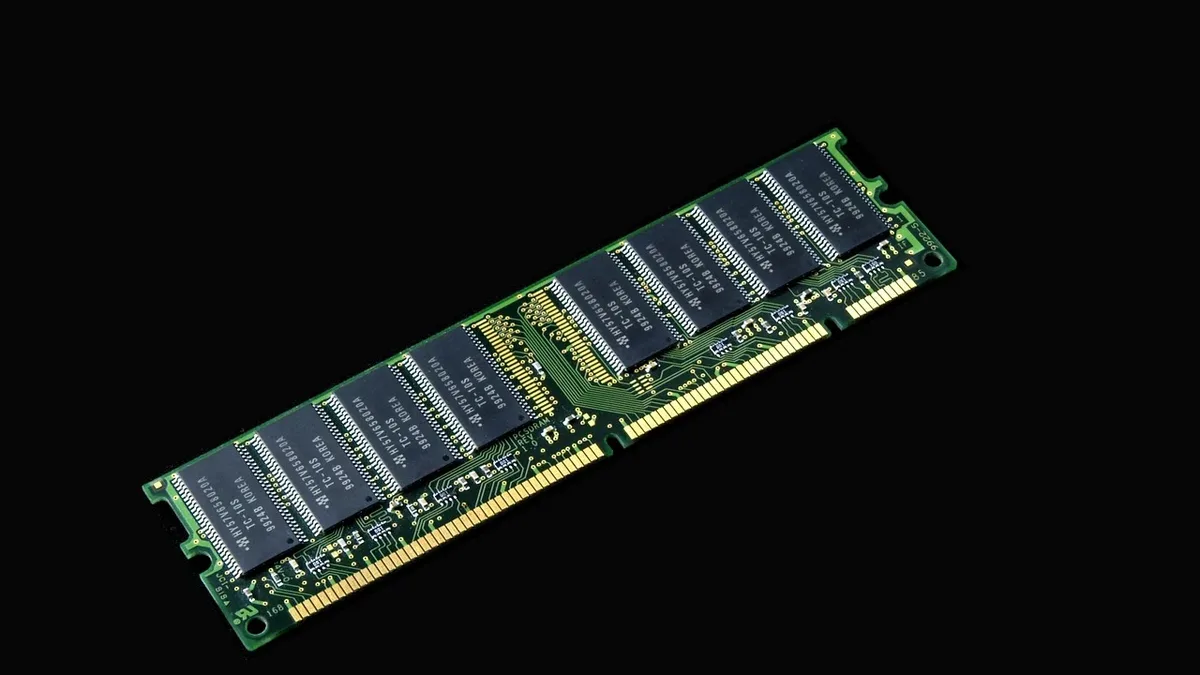
G.SKILL Rejects RAM RMA Over Minor PCB Nick
G.SKILL denied a customer's warranty claim for a memory kit because one stick had a small, non-functional nick on the PCB edge.