Capture Cards
| Component type | Internal PCIe card or external USB device |
|---|---|
| Original use | Recording video game console output to a computer |
| Interface | PCIe x1/x4 or USB 3.0/3.1/3.2 |
| Maximum capture resolution | 1080p, 1440p, or 4K |
| Maximum capture frame rate | 30 fps, 60 fps, or 144 fps |
| Passthrough support | Yes or No |
| Software included | Proprietary capture and streaming software |
Origin and history
Capture cards originated from the professional broadcast and video production industry, with their development centered in Japan and the United States during the late 1980s and early 1990s. These early devices were internal computer cards designed to digitize analog video signals from sources like VCRs and cameras for editing. The technology evolved from specialized, high-cost hardware used in television studios and post-production facilities. The concept of capturing live video for computing purposes became more widely accessible as personal computing power increased. The transition towards consumer applications began in earnest in the early 2000s with the rise of online video sharing and content creation. The demand for capturing gameplay from consoles significantly accelerated the development and refinement of consumer-grade external capture cards in the 2010s.
What it is designed for
A capture card is designed to record or stream video and audio from an external source to a computer. Its primary function is to take a video signal, often from a gaming console, camcorder, or another PC, and convert it into a digital file that editing software or live streaming applications can use. This allows the recording of high-quality gameplay footage without taxing the primary gaming system's resources. It is also essential for streaming console games, as it bypasses the console's limited software and provides a clean video feed to broadcasting software. Furthermore, capture cards enable the use of professional cameras as high-quality webcalls for streaming by capturing their clean HDMI output. They serve as a crucial bridge between dedicated hardware and the flexible ecosystem of PC-based production and broadcasting.
Development and versions
Early versions were almost exclusively internal PCI cards, requiring installation inside a desktop computer and often featuring analog inputs like composite or S-Video. The shift to digital interfaces, primarily HDMI, marked a major evolution, coinciding with the HD era of consoles and broadcasts. External USB capture cards became dominant for consumers due to their plug-and-play convenience and compatibility with laptops. Development has consistently focused on supporting higher resolutions, frame rates, and HDR pass-through to match advancing display and console technology. Modern versions differentiate themselves by their supported capture resolution (e.g., 1080p, 4K), frame rate (60fps, 120fps), and the presence of a hardware encoder to reduce CPU load. The market now includes niche products like capture cards with multi-input switches for streamers and ultra-low-latency cards designed for competitive gaming where monitor pass-through delay is critical.
Best Capture Cards for gaming
Evaluating the best capture cards for gaming involves balancing capture quality, pass-through features, system compatibility, and cost. Cards that offer 1080p capture at 60 frames per second are considered the standard entry point for quality gameplay recording and streaming. For users with newer consoles, cards that support 4K60 HDR pass-through while capturing at 1080p are highly valued to maintain visual fidelity on the primary display. The performance per dollar often peaks at this 1080p60 tier, where many reliable models offer excellent quality without a premium price. Moving to native 4K capture cards involves a significant cost increase, and the resulting massive file sizes and bandwidth requirements offer diminishing returns for most streamers. For competitive gamers, a card with negligible passthrough latency is more critical than maximum resolution, prioritizing responsiveness over pure visual detail.
Capture Cards reviews
Professional reviews consistently test capture cards for image fidelity, encoding latency, software stability, and driver support across different operating systems. A key metric is the comparison between the original source signal and the captured video to check for compression artifacts, color accuracy loss, or audio sync issues. Reviews assess the usability of the included software, though many users prefer third-party applications like OBS Studio, making clean driver integration vital. Thermal performance and reliability during long streaming sessions are also common evaluation points for external devices. Critiques often highlight inconsistencies where a card advertises a high resolution but only achieves its maximum frame rate at a lower resolution due to bandwidth limitations. The consensus in reviews is that well-established brands generally offer more reliable long-term driver support and build quality, which is a significant factor for a tool intended for regular use.
Overview
A capture card is a hardware device that acts as an intermediary, acquiring a video and audio signal from a source device and delivering it to a computer for processing. It exists in two main form factors: external units that connect via USB or Thunderbolt, and internal cards that install into a PCIe slot on a desktop motherboard. The core specification is its maximum capture resolution and frame rate, such as 1080p at 60fps or 4K at 30fps, which defines the quality of the recorded footage. Most cards feature a pass-through port that sends the original, unprocessed signal to a monitor, allowing the user to play games with zero latency from the capture process. They are distinct from screen recording software, as they capture the signal before it reaches a display, freeing the source device from performance overhead. The market ranges from affordable devices for beginners to complex, multi-channel cards used in professional broadcast environments.
What to know
The advertised maximum resolution and frame rate often refer specifically to the pass-through capability, not the capture resolution, which is a critical distinction to check before purchasing. USB connection types create a hierarchy of bandwidth, with USB 2.0 often limiting capture to 1080p30, while USB 3.0 or later is required for 1080p60 or higher. The concept of "hardware encoding" refers to a chip on the capture card that compresses the video, significantly reducing the load on your computer's CPU compared to software encoding. For streaming, a clean HDMI feed from a console is vastly superior to using the console's built-in streaming apps, which are often heavily compressed and lack customization. Capture cards do not typically improve the graphical output of the source device; they simply record the signal being sent out. It is essential to verify system requirements, as high-resolution capture demands a capable computer for encoding and storage, regardless of the card's own specs.
Common questions
A very common question is whether a capture card is necessary for streaming from a PC, which it generally is not, as software can capture the PC's display directly, though a second card can help with managing system load. Users frequently ask about audio mixing, specifically how to combine game audio and microphone commentary into a single stream, which is managed within broadcasting software, not the capture card itself. Many wonder about the delay or latency introduced, with the important clarification being that the passthrough to the player's monitor is near-instant, but the captured feed to the streaming PC will be delayed by several frames. People inquire if they can use a capture card to record footage from a handheld gaming device, which is possible if the device supports video output via a dock or specific cable. Questions about the difference between HDMI and component/composite connections are common, with HDMI being the modern standard for digital quality. Troubleshooting often involves resolving HDCP copyright protection errors, which prevent capturing from certain protected sources like Blu-ray players or some streaming apps on consoles.
Pros and cons
A significant pro is the ability to record or stream high-quality footage from dedicated gaming consoles or a secondary PC without impacting the performance of the source machine. The hardware encoding feature on many cards drastically reduces CPU usage on the streaming computer, allowing for more complex scenes and overlays. A major con is the added complexity and cabling to a setup, introducing more potential points of failure, such as HDCP conflicts or intermittent USB connections. Users often regret purchasing an underpowered card that cannot handle 60fps capture, resulting in choppy footage, or a USB 2.0 model that becomes a bottleneck. A common mistake is not verifying the computer's processing power can handle the incoming data, leading to dropped frames and encoding overloads despite having a capable card. The cost can be hard to justify for casual users who might find built-in console recording or simple screen recording software sufficient for their needs.
Who it suits
This component suits console gamers who want to stream or create high-quality recorded content, as it is essentially mandatory for professional-level results from platforms like PlayStation or Xbox. It is ideal for content creators using DSLR or mirrorless cameras as webcams, leveraging the superior image quality over typical USB webcams. Streamers operating a dual-PC setup, where one PC handles the game and a second handles encoding and broadcasting, rely entirely on a capture card to link the systems. Competitive gamers and tournament organizers benefit from cards with ultra-low-latency pass-through to ensure no perceptible delay is added during crucial gameplay. It is less suited for individuals who only play and record on a single PC, as free software solutions are often adequate, or for those with very limited technical patience for configuring audio and video sources. The technology is a core tool for anyone treating game content creation or live streaming as a serious hobby or profession.
Latest Capture Cards news
Latest reporting
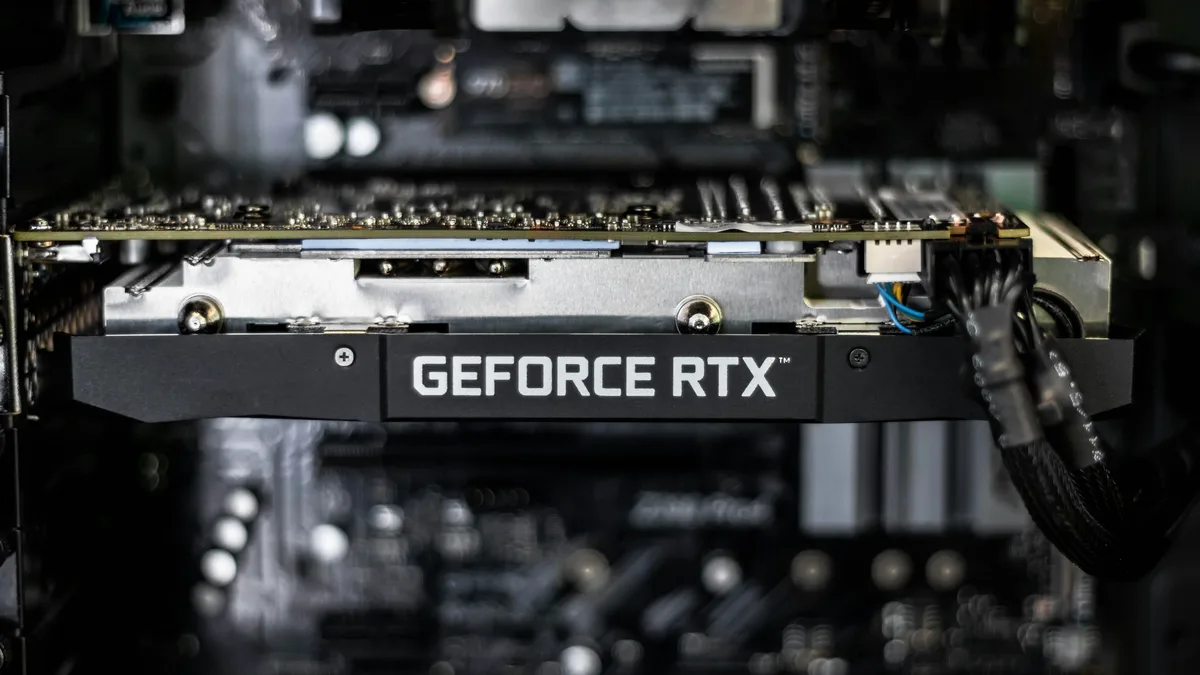
Nvidia RTX 50 Founders Edition Serial Numbers Fade, Leading to Denied Warranty Claims
Nvidia is reportedly denying warranty claims on RTX 50-series Founders Edition cards because heat from normal use is fading their ink-printed serial...

Magpie Enables DLSS 5 in Star Citizen Without Game Mods
A test using an experimental version of Magpie shows NVIDIA's DLSS Neural Rendering can be applied to Star Citizen via external window capture.
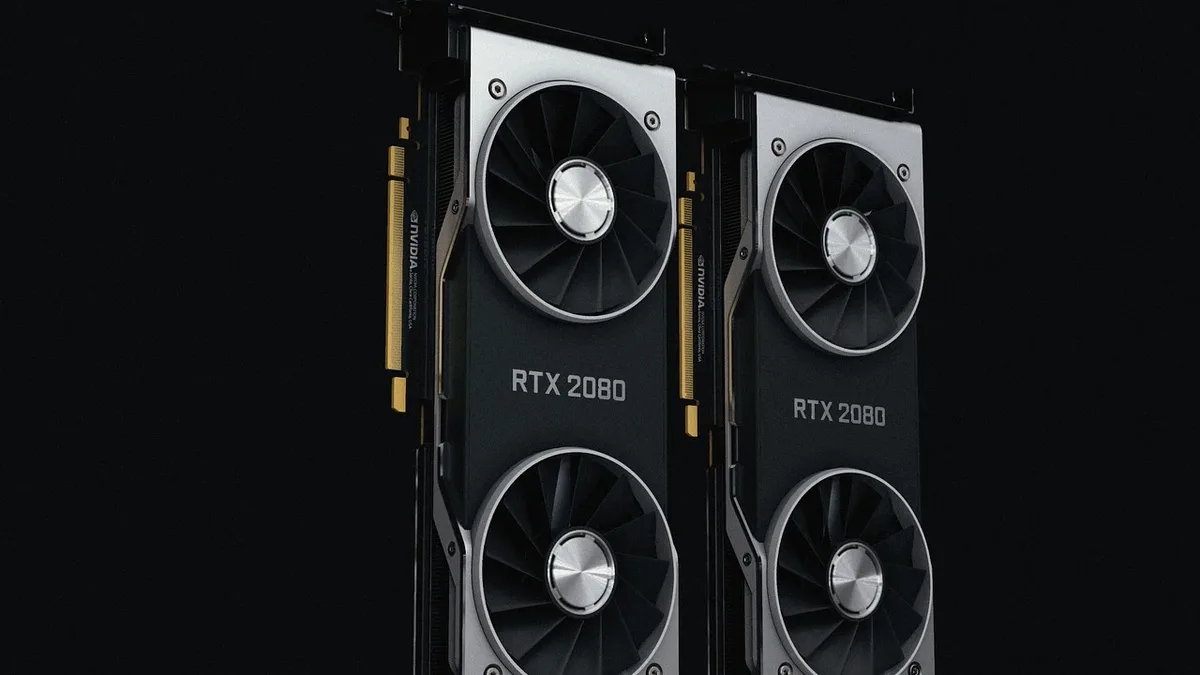
Thermal Grizzly Probes Burned WireView Adapter Reports
Thermal Grizzly is investigating two reports of burned triple-eight-pin WireView adapters used with Radeon RX 7900 XTX graphics cards.
FSR 4.1.1b Mod Enables Unofficial Support for Radeon RX 6000 Series
The OptiScaler developer team has released a modified DLL file that allows AMD's FSR 4.1.1b upscaling technology to run on older Radeon RX 6000...
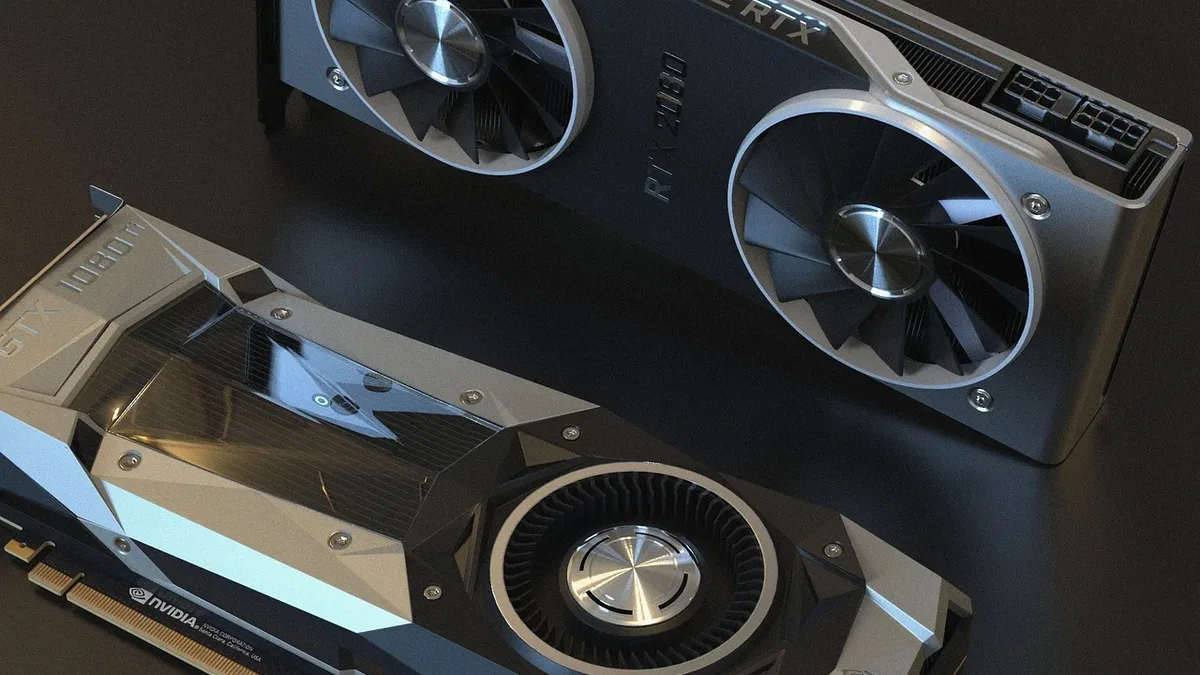
Modder Uses Dual RTX 5060 Ti GPUs for DLSS 5 Performance
A modder demonstrated a multi-GPU setup using two NVIDIA RTX 5060 Ti cards, with one dedicated to DLSS 5 Neural Rendering.
Single-Slot RTX 3060 Performs Worse Than GTX 1060
A modified, single-slot GeForce RTX 3060 GPU draws power only from the PCIe slot, severely limiting its performance to below that of older budget...