Seagate FireCuda Forge hybrid drive targets gamers with SSD caching
Seagate launches the FireCuda Forge, a hybrid desktop drive that blends a hard drive with a user-supplied M.2 SSD cache.
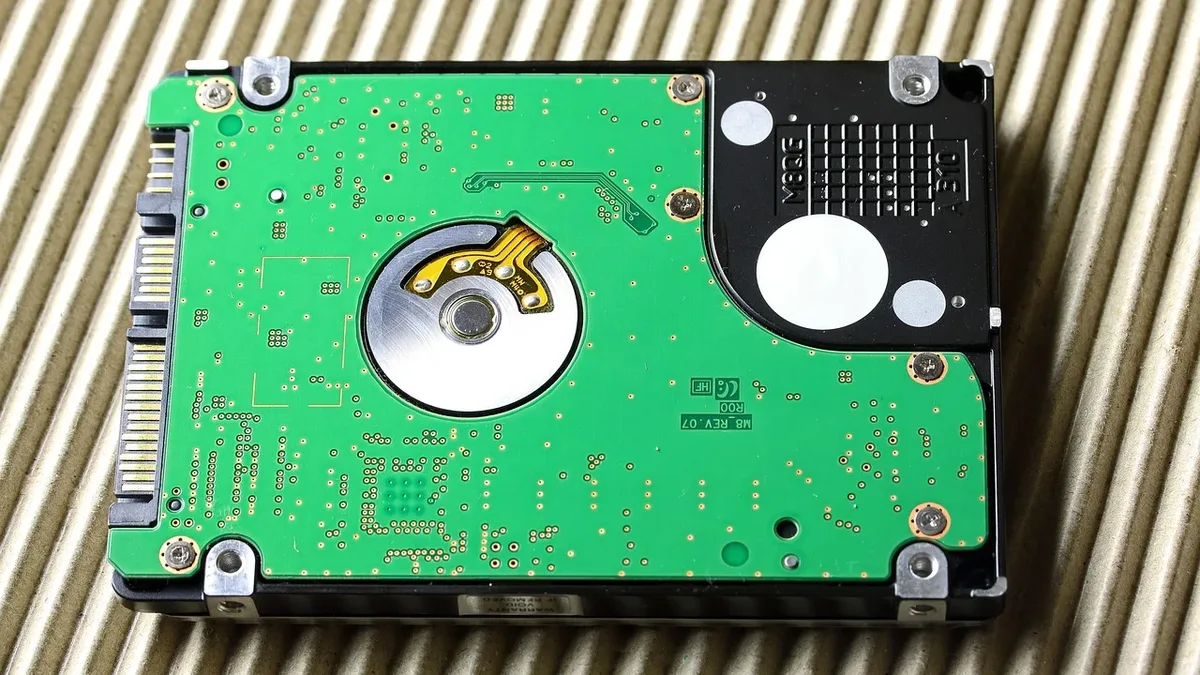
Seagate has revived the hybrid drive concept with the FireCuda Forge, a desktop storage solution that requires users to supply their own M.2 SSD to enable faster caching. The drive is the first product built around Seagate's new Alkemi intelligent storage platform, embedding a smaller SSD in the same enclosure to store frequently used data on a faster solid-state cache. It targets gamers facing storage shortages despite a high price point.
FireCuda Forge includes Alkemi, a new I/O management technology developed by Seagate. "Alkemi uses an FPGA chip and an embedded Linux OS to manage the solid-state cache," Seagate said. The system constantly monitors file access workloads to decide which data to prioritize and copy onto the faster SSD. Alkemi is allegedly capable of adapting to each user's needs, employing optimized caching policies to achieve higher cache hit rates. Alkemi reached a cache hit rate of 90% in testing. The new hybrid drive behaves like a single storage unit, which the host operating system sees as one drive.
Installation and physical setup
Installing the user's own SSD requires some disassembly. Four screws from the bottom must be removed with a tiny included hex-bit driver to get the outer shell off. The M.2 drive bay is clearly visible on the side after removing the shell. Six more hex screws can be removed to pop out the hard drive for future upgrades.
SSD installation requires a tiny screw; Seagate does not include a suitable Phillips head screwdriver. The drive bay is somewhat recessed, and two thick thermal pads are included to ensure contact. Surfaces are mostly plastic, with only a foil layer on the outer shroud to draw heat away from the SSD. This design is probably fine for most bursty game and creative workloads but not ideal for consistent hour-long workloads.
Performance and gaming benchmarks
Seagate tested several gaming sessions representing 4.3 million I/O requests. On PCMark 10 Storage Benchmark, the Forge beats recent traditional hard drives and the Samsung T5 external SSD. Kingston's fast flash drive and Sandisk's Desk Drive perform better than the Forge on PCMark 10.
On DiskBench file transfers with a 50GB dataset, the Forge easily beats spinning-platter-only drives and Samsung T5 on writes. On reads, the Forge leads the pack in DiskBench transfers. On CrystalDiskMark, the Forge benefits significantly from its USB4 interface, with sequential reads and writes jumping well ahead of other drives. All other drives in the benchmark top out at 10 Gbps.
Compatibility, pricing and market position
The FireCuda Forge is currently available in 8TB and 20TB capacities. The drive requires machines running Windows 11 or macOS 26 and later. The external drive is compatible with M.2 2280, PCIe Gen3 or newer SSDs. Performance maxes out at PCIe Gen3 drives; newer PCIe 4.0 SSDs are supported but will not improve performance.
| Capacity | Price |
|---|---|
| 8TB | $699 |
| 20TB | $899 |
At 8TB, SanDisk's Desk Drive is a full-fledged SSD with a slower 10GBps interface but is cheaper than the Forge plus a required SSD. Seagate started adding faster flash-based storage to its hard drives in 2010. An editor's take noted, "Hybrid drives were all the rage among storage makers a little over a decade ago." The FireCuda Forge offers a compelling, if expensive, solution for gamers who need large capacities with SSD-level responsiveness.