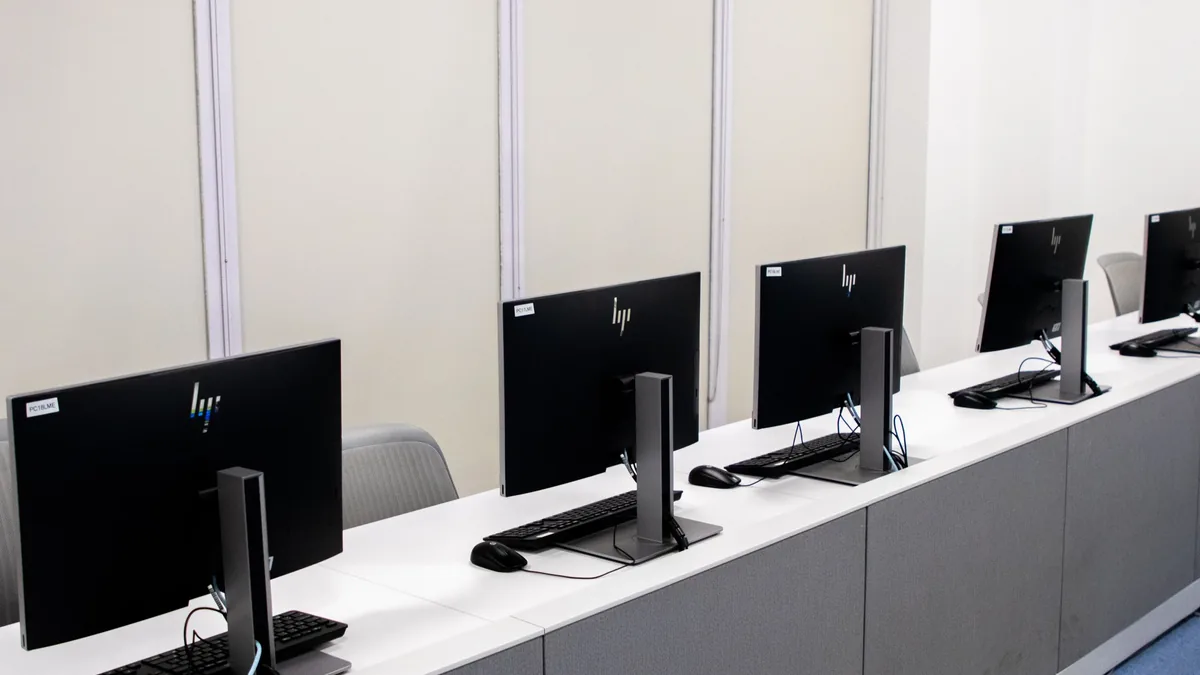
Kvm And Multi Pc Setups
| Component type | Hardware peripheral |
|---|---|
| Original use | Control multiple computers from a single keyboard, video, and mouse set |
| First created | 1990s |
| Typical input count | 2 to 4 computers |
| Switching method | Physical button or hotkey press |
| Video signal support | Analog (VGA) to digital (DisplayPort, HDMI) |
| Frame rate impact | None (passive signal switching) |
Origin and history
KVM technology originates from the mainframe computing systems developed in the United States during the late 20th century. The acronym KVM stands for Keyboard, Video, and Mouse, representing the core peripherals shared by the system. The concept of using a single console to control multiple computers emerged from enterprise and data center environments where space and efficiency were critical. Hardware-based KVM switches were the initial products, using physical electrical switches to reroute signals between connected machines. The practice of building multi-PC setups for gaming and high-performance computing evolved separately, later merging with KVM functionality. The integration of KVM principles into consumer multi-PC configurations is a more recent development, gaining traction in the 2010s with the rise of streaming and specialized computing tasks.
What it is designed for
A KVM and multi-PC setup is designed to allow a single user to control two or more distinct computer systems from one central workstation. The primary goal is to increase efficiency and reduce clutter by eliminating the need for duplicate peripherals like keyboards, monitors, and mice for each machine. In professional contexts, this is used for managing servers, development environments, or workstations dedicated to specific tasks like video rendering or software testing. For consumers and enthusiasts, these setups are often built to separate workloads, such as gaming on one PC while streaming or recording on another. The design prioritizes seamless switching between systems with minimal latency or input lag to maintain productivity or gameplay integrity. Ultimately, it is engineered for users who require access to multiple computing resources but want to maintain a clean and unified physical interface.
Development and versions
Early KVM systems were simple analog switches that used bulky cables and often suffered from signal degradation, especially for video. Development progressed to digital KVM switches that could support higher video resolutions and more reliable peripheral emulation. The advent of USB greatly standardized the keyboard and mouse switching aspect, leading to more reliable and plug-and-play devices. Modern versions include advanced features like peripheral sharing (webcams, microphones, storage), EDID emulation to maintain correct display resolution when switching, and support for high refresh rates and resolutions like 4K. Software-based KVM solutions have also emerged, using network connections to share peripherals between PCs, though these often introduce latency. The ecosystem now includes specialized switches for gaming that prioritize high bandwidth for refresh rates like 144Hz or 240Hz, and models designed for dual-PC streaming setups with dedicated capture card ports.
Best Kvm And Multi Pc Setups for gaming
The best KVM and multi-PC setups for gaming prioritize high-bandwidth switching that does not compromise the frame rate or input latency of the primary gaming machine. A typical high-performance configuration involves a dedicated gaming PC connected alongside a streaming or encoding PC, both linked to a KVM switch that supports the monitor's native resolution and refresh rate. Key components often include a KVM switch that explicitly supports DisplayPort 1.4 or HDMI 2.1 to allow for high refresh rates like 144Hz or 240Hz at 1440p or 4K resolutions. Users frequently pair this with a capture card installed in the secondary PC to receive video output from the gaming PC, enabling high-quality streaming without taxing the gaming system's resources. The physical setup commonly places both PCs out of sight, with only the cables routed to a clean desk housing the single monitor, keyboard, and mouse. Investment is heavily weighted towards the KVM switch's video passthrough capability and the quality of the capture card, as these directly impact the final stream quality and gaming experience.
Kvm And Multi Pc Setups reviews
Reviews of KVM switches and multi-PC setups consistently highlight video performance and switching reliability as the most critical factors. Professional and user reviews often criticize cheaper KVM switches for failing to maintain high refresh rates or for causing resolution handshake issues when swapping between computers. Positive reviews for specific models frequently praise robust build quality, seamless hotkey switching, and transparent performance that does not limit a monitor's capabilities. Reviews of complete multi-PC builds often note the significant cable management challenge and the importance of a powerful secondary PC if it is handling real-time video encoding. A common point in reviews is that software-based KVM alternatives are generally not suitable for gaming due to perceptible input lag, even if they are acceptable for office work. Overall, reviews suggest that a successful setup requires careful matching of the KVM switch's specifications to the monitor's and PCs' output capabilities, with a preference for well-known brands in the prosumer market.
Overview
A KVM and multi-PC setup is a hardware configuration that enables control of multiple computers from one set of peripherals. At its core is a KVM switch, a hardware device that toggles the connections for the keyboard, video signal, and mouse between the connected computers. In a gaming or content creation context, this often involves two PCs: one optimized for maximum gaming performance and another dedicated to handling resource-intensive background tasks like streaming, recording, or video editing. The setup allows the user to instantly switch control to either machine, or in some cases, use picture-in-picture or picture-by-picture modes to view both outputs simultaneously on a single monitor. This configuration consolidates the workspace and can lead to a cleaner desk by removing the need for multiple monitors and input devices. The overall effectiveness is entirely dependent on the quality and specifications of the KVM switch used, as it becomes the central conduit for all critical signals.
What to know
It is crucial to know that not all KVM switches support high refresh rates or high resolutions, and many cheaper models will cap output at 60Hz regardless of the source. EDID emulation is a vital feature, as it tricks each connected PC into thinking the monitor is always connected, preventing resolution and desktop icon rearrangement issues when switching. Using the correct type and quality of cables is essential; certified high-speed HDMI or DisplayPort cables are often required to pass through the full signal bandwidth. Multi-PC setups for streaming require a method to send the game video to the streaming PC, typically via a hardware capture card, which is an additional cost and complexity factor. The KVM switch itself introduces a point of potential failure and signal degradation, so investing in a unit from a reputable manufacturer is advised for critical use. Understanding the difference between a KVM switch and a simple HDMI switch is important, as the latter does not handle peripheral sharing and would require a separate solution for keyboard and mouse control.
Common questions
A common question is whether using a KVM switch will introduce input lag or reduce the frame rate during gaming, which depends entirely on the switch's internal processing and bandwidth. People often ask if they can share USB devices like webcams, microphones, or external drives between PCs through the KVM switch, which is possible on models with USB hub functionality. Many users inquire about the feasibility of connecting more than two computers, which is supported by many KVM switches with four, eight, or more ports. A frequent question concerns monitor compatibility, specifically regarding G-Sync or FreeSync, as these adaptive sync technologies often do not function correctly when passed through most KVM switches. Users building streaming setups commonly ask if they can use software like NDI instead of a capture card and KVM switch, which is possible but often introduces higher latency and CPU usage. People also ask about the cost, wanting to know the budget required for a reliable high-refresh-rate KVM switch versus the total cost of a dual-PC setup including both computers and peripherals.
Pros and cons
A significant pro is the drastic reduction in desk clutter and the convenience of a unified control station for multiple systems, enhancing workflow efficiency. The ability to dedicate one powerful PC solely to gaming while offloading streaming tasks guarantees maximum in-game performance and stream quality. A major con is the substantial upfront cost, encompassing not just the secondary PC but also a high-quality KVM switch, capture card, and potentially a more powerful monitor. Users often regret choosing a KVM switch with insufficient bandwidth, later discovering it locks their high-refresh-rate monitor to 60Hz, creating a bottleneck for their expensive gaming hardware. The setup introduces complexity in cable management and troubleshooting; when an issue arises, diagnosing whether it's the PC, cable, monitor, or KVM switch at fault can be frustrating. A common mistake is underestimating the power and thermal requirements of housing two full computer systems in close proximity, leading to heat buildup and potential thermal throttling.
Who it suits
This setup ideally suits serious content creators and streamers for whom streaming quality is paramount and who do not want any performance impact on their primary gaming PC. It is appropriate for professional users, such as software developers or data scientists, who need to operate across separate environments for security or testing purposes from a single desk. Tech enthusiasts with the budget and patience for complex system integration and troubleshooting will find the project rewarding. It does not suit casual gamers or those with limited budgets, as the cost-to-benefit ratio is poor compared to a single powerful PC using efficient streaming software. Individuals with low tolerance for technical hiccups or minimal space for additional computer towers should avoid this configuration due to its inherent complexity and physical footprint. It is best for users who have already maximized their single-PC performance and for whom the incremental benefit of a dedicated encoding PC justifies the significant additional expense and setup effort.
Latest Kvm And Multi Pc Setups news
Latest reporting
DLSS Unlocked mod brings DLSS 5 and multi-frame gen to older RTX GPUs
A new community mod called DLSS Unlocked enables DLSS 5 and multi-frame generation on RTX 20, 30, and 40 series GPUs by combining existing tools.
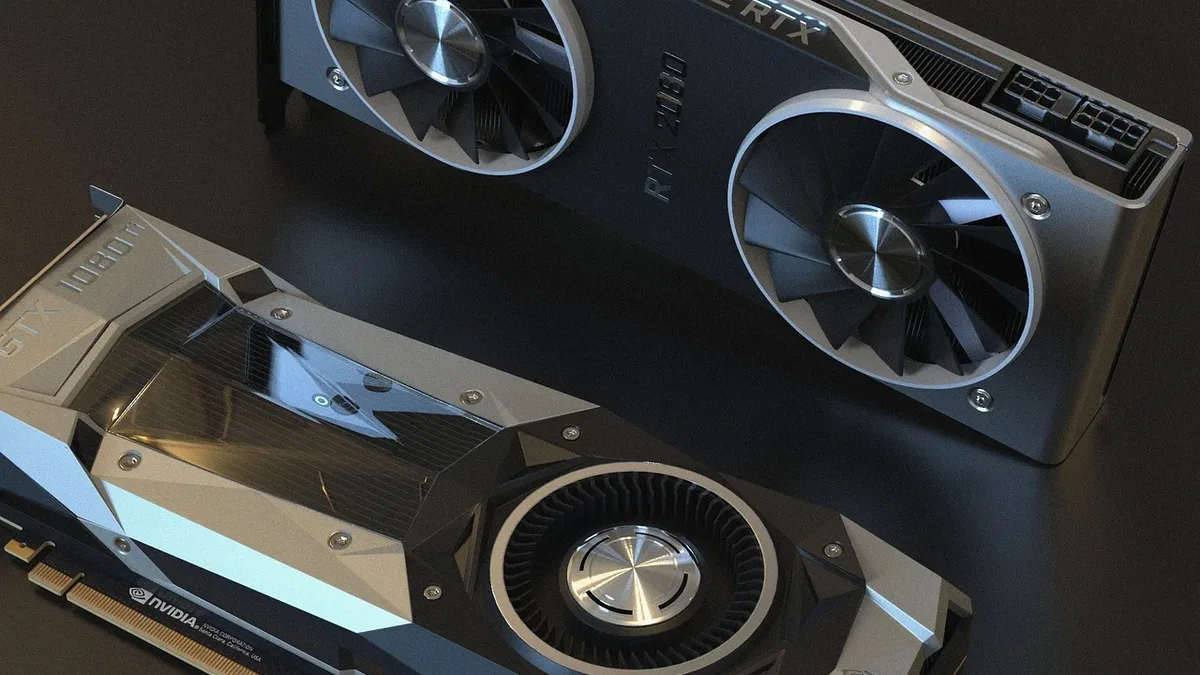
Modder Uses Dual RTX 5060 Ti GPUs for DLSS 5 Performance
A modder demonstrated a multi-GPU setup using two NVIDIA RTX 5060 Ti cards, with one dedicated to DLSS 5 Neural Rendering.