NV UEFI Unlocker Modifies Firmware for RTX 20, 30, 40 Series
An open-source tool from developer physicsdolphin enables temporary firmware-level modifications on RTX 20, 30, and 40 series GPUs, unlocking higher Tensor Core instruction rates for specific compute workloads.
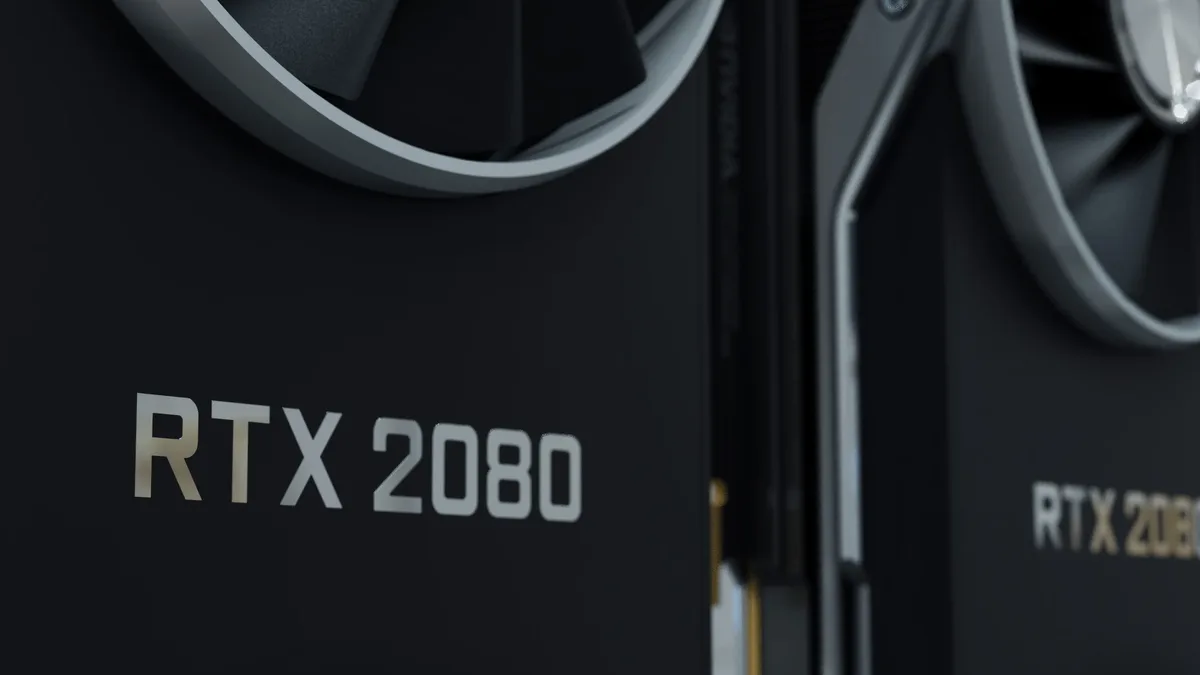
The NV UEFI Unlocker is an open-source UEFI tool developed by physicsdolphin that automates a firmware-level modification for GeForce RTX 20, 30, and 40 series cards. It modifies firmware registers before the NVIDIA driver loads, removing a limiter on certain Tensor Core instruction rates. The tool supports Windows, Linux, and other UEFI-bootable operating systems and extends compatibility across desktop and laptop GPUs in those three generations.
Physicsdolphin said: "The tool changes firmware-level registers before NVIDIA’s driver loads, removing a limiter on certain Tensor Core instruction rates." It uses a UEFI-based approach to modify GPU behavior before NVIDIA's graphics driver initializes. The process does not permanently alter the graphics card’s firmware and is applied in a pre-driver UEFI environment from a prepared USB drive. The unlock is temporary and disappears after a complete power-off.
Performance Gains Demonstrate Significant Compute Increases
Community testing shows substantial increases in FP32 and FP16 compute throughput across multiple RTX models. An RTX 2070 reached approximately 60-63 TFLOPS in FP32-accumulation matrix operations, up from a baseline of near 36 TFLOPS. This represents a 67-75% increase.
An RTX 4060 Laptop GPU demonstrated a 65% improvement in FP16 compute throughput, climbing from 29.89 to 49.33 TFLOPS. Additional results have been reported from RTX 3060, RTX 3070 Laptop, RTX 3080, and RTX 3080 Ti Laptop systems. One RTX 3080 LHR owner reported a 28.8% improvement in ComfyUI SDXL, which is substantially lower than synthetic benchmark results.
| GPU Model | Reported Test | Baseline Performance | Modified Performance | Approximate Gain |
|---|---|---|---|---|
| RTX 2070 | FP32 Matrix Ops | ~36 TFLOPS | 60-63 TFLOPS | 67-75% |
| RTX 4060 Laptop | FP16 GEMM | 29.89 TFLOPS | 49.33 TFLOPS | 65% |
Temporary Modification Requires Specific Setup Conditions
The modification is temporary and requires reapplication after each cold boot. The installation process requires preparing a bootable USB drive containing the UEFI application and required firmware components. Users must boot from the USB drive to execute the modifications.
Secure Boot must either be disabled or configured to trust the EFI application. RTX 20 Series users must first enable the required GSP firmware mode. Turing cards need an additional GSP firmware configuration step and restart. The development makes an existing community technique easier to use on Windows but does not add new hardware capabilities.
Limitations and Risks Remain Significant
Not every GPU and system combination has been tested, and the boot-time firmware tool carries more risk than standard application settings. The project remains experimental and successful unlocking isn't guaranteed across every GPU or system configuration.
Higher theoretical compute throughput doesn't necessarily translate into equivalent real-world gains, which depend on workload characteristics, memory bandwidth, and power limitations. The gains are specific to low-level compute operations and do not equate to proportional improvements in game performance or general AI application speed. There is currently no convincing evidence that these modifications improve gaming performance or DLSS execution times.
Users are advised to read instructions carefully and avoid experimenting on systems they cannot afford to troubleshoot. RTX 50 Series GPUs are unsupported, and GTX 16 Series support remains experimental. Users must prepare a bootable USB drive and disable Secure Boot to execute the firmware-level unlock before each cold boot.