
Gaming Pc
| Country of origin | United States |
|---|---|
| First created | 1990s |
| Original use | High-performance personal computing for video games |
| Core components | Central processing unit (CPU), graphics processing unit (GPU), system memory (RAM), storage |
| Form factor | Mid-tower to full-tower |
| Cooling system | Air or liquid |
| Power supply unit (PSU) rating | 500W to 1200W |
| Expansion slots | Multiple PCIe slots |
Origin and history
The modern concept of a custom-built Gaming PC originates from the United States and Western Europe in the late 1980s and early 1990s. This period saw the rise of PC gaming titles that demanded more graphical and processing power than typical office or home computers could provide. Enthusiasts began sourcing individual, higher-performance components like graphics accelerators and faster CPUs to assemble machines dedicated solely to gaming. The practice was heavily documented and shared through early internet forums and niche magazines, establishing a DIY culture. This stood in contrast to the pre-configured consumer PCs sold by major manufacturers, which were general-purpose machines. The evolution was parallel to the development of 3D graphics accelerators and the increasing complexity of PC game software.
What it is designed for
A Gaming PC is designed to run video game software at high levels of performance, specifically targeting high frame rates and high visual fidelity. The core design goal is to deliver a smooth and responsive interactive experience, which is critical for competitive and immersive gaming. It is engineered to handle sustained, heavy workloads from complex 3D rendering, physics simulations, and artificial intelligence routines found in modern games. Beyond raw gameplay, the design often accommodates live streaming and video recording tasks simultaneously without significant performance loss. The architecture prioritizes graphics processing power, fast data access via solid-state storage, and sufficient cooling to maintain performance under load. It is distinct from standard PCs by emphasizing the graphics processing unit (GPU) as the primary performance component over the central processing unit (CPU).
Development and versions
There are no official "versions" of a Gaming PC, as it is a custom-built system, but its development is defined by generational shifts in core component technology. The primary evolution is tied to successive generations of graphics cards from manufacturers like NVIDIA and AMD, which deliver the most significant leaps in gaming performance. CPU architectures from Intel and AMD have also progressed, offering more cores and higher instructions per cycle to feed the GPU. Supporting technologies like motherboard chipsets, memory standards (from DDR to DDR5), and storage interfaces (SATA to NVMe) have continually evolved to reduce bottlenecks. The physical form factors have diversified, ranging from full-tower builds to small-form-factor (SFF) systems, accommodating different user needs. The ecosystem has expanded to include pre-built systems from boutique vendors and large manufacturers, offering an alternative to the DIY builder.
Best Gaming Pc for gaming
The "best" Gaming PC for gaming is a transient concept, as it is defined by the highest-performing components available at a given time and budget. For maximum frame rates at high resolutions like 4K, systems built around the current flagship GPU from NVIDIA or AMD are typically considered the best. These systems are paired with a high-core-count CPU from the latest generation, fast DDR5 memory, and PCIe Gen 4 or Gen 5 NVMe storage. However, the best value for frame rate per dollar often lies in the mid-range component tier, such as a current or previous-generation upper-mid-range GPU and a mid-range CPU. The best build must also consider a sufficient power supply unit and robust cooling to ensure sustained performance. Ultimately, the best Gaming PC is highly subjective and depends on the specific games played, target resolution and frame rate, and the individual's budget constraints.
Gaming Pc reviews
Reviews of Gaming PCs focus on benchmarking real-world game performance using standardized test suites at common resolutions like 1080p, 1440p, and 4K. Professional reviews measure average frame rates, 1% low frame rates (which affect perceived smoothness), and often include ray tracing performance metrics. They also evaluate thermal performance under load, noise levels, and the quality of the individual components used in pre-built systems. Reviews compare performance against established price brackets, providing a crucial frame rate per dollar analysis for consumers. Critical reviews assess upgradeability, noting proprietary parts or poor cooling designs in some pre-built systems that hinder future improvements. These reviews serve as essential purchasing guides, as synthetic benchmarks alone do not fully capture the gaming experience a system will deliver.
Overview
A Gaming PC is a personal computer specifically configured and optimized for playing video games. Its performance is predominantly determined by the graphics card (GPU), which handles the rendering of 3D environments and effects. The central processing unit (CPU), random access memory (RAM), and storage drives play crucial supporting roles in feeding data to the GPU and ensuring system responsiveness. These components are housed in a case with an emphasis on airflow and cooling, often using multiple fans or liquid cooling systems. The platform allows for extensive customization and incremental upgrades over time, unlike most game consoles. It represents a flexible but often more complex and costly approach to gaming compared to dedicated gaming consoles.
What to know
The total cost of a Gaming PC extends beyond the core components (CPU, GPU, RAM, storage) to include the case, power supply, motherboard, cooling, and operating system. Frame rate performance is heavily dependent on the game's optimization and the chosen graphical settings, not just the hardware. Building a PC requires compatibility checks between components, such as CPU socket and motherboard chipset, RAM generation, and physical dimensions. Pre-built systems can offer convenience but may use lower-quality foundational components like power supplies or proprietary motherboards that limit upgrades. The performance landscape changes continuously with new driver updates and game patches, which can alter performance metrics. Investing in a high-refresh-rate monitor is necessary to fully benefit from the high frame rates a Gaming PC can produce.
Common questions
A common question is whether a Gaming PC is more cost-effective than a game console, which requires comparing the total system cost against the console's price and the cost of PC games, which are often cheaper. People frequently ask how much RAM is needed for gaming, with 16GB being the current standard baseline for new systems, while 32GB is becoming common for high-end builds. Many inquire about the necessity of liquid cooling, which is generally not required for most builds but can offer advantages in high-heat scenarios or for extreme overclocking. A recurring question is how often a Gaming PC needs to be upgraded, which typically follows a multi-year cycle for the GPU to see substantial gains. Users often ask about the difference between building and buying a pre-built system, weighing the potential savings and customization of building against the warranty and support of a pre-built. Another frequent question concerns the importance of the power supply unit (PSU), which is critical for system stability and safety and should not be sourced from the lowest-cost options.
Pros and cons
Pros: The primary advantage is superior performance potential, offering higher frame rates and visual quality than fixed-platform consoles, especially at high resolutions. It provides an open platform for customization and incremental upgrades, allowing users to replace single components rather than the entire system. The PC gaming ecosystem offers a vast library of titles, including extensive backward compatibility, digital storefront competition, and modding support. The machine serves multiple functions beyond gaming, such as content creation, software development, and general productivity tasks. Cons: The upfront cost for a performance-competitive system is significantly higher than the entry price of a gaming console. The DIY approach requires research, technical confidence, and time to assemble and troubleshoot, with risks of component damage. Drivers, operating system updates, and game-specific settings can lead to instability or performance issues not found on standardized consoles. Common mistakes include pairing an extremely powerful GPU with a weak CPU that bottlenecks performance, or selecting an insufficient power supply that causes crashes. Buyers often regret choosing flashy, expensive cases with poor airflow that lead to thermal throttling, or opting for pre-built systems with non-standard, low-quality parts that are difficult to upgrade later.
Who it suits
A Gaming PC suits enthusiasts who prioritize maximum performance, customization, and the technical process of building and maintaining their own system. It is ideal for competitive gamers who require the highest possible frame rates and lowest input latency for titles like first-person shooters and real-time strategy games. It is well-suited to individuals who also use their computer for demanding non-gaming tasks like video editing, 3D rendering, or software compilation. The platform fits gamers who value a large, diverse game library, frequent sales on digital storefronts, and the ability to modify their games. It is less suited for those seeking a simple, plug-and-play experience with guaranteed game compatibility and no maintenance, as consoles typically provide that. It also may not suit users with very limited budgets, as the initial investment for a competent gaming experience is substantial.
Latest Gaming Pc news
Latest reporting
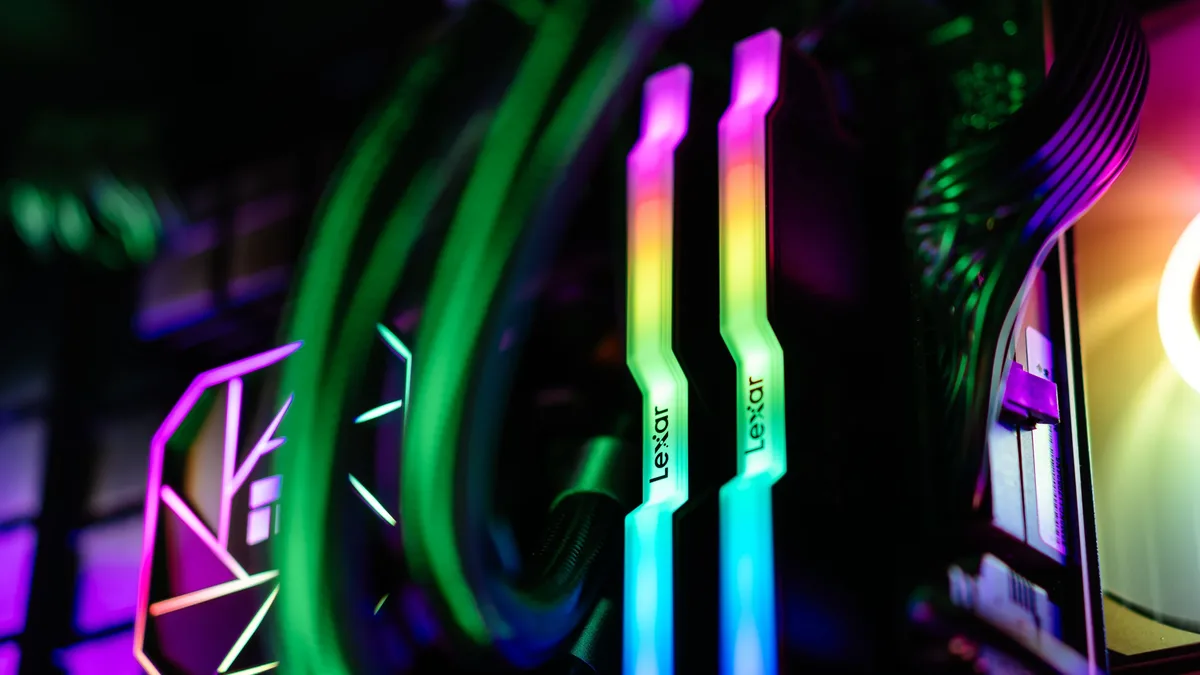
PC Shipments Plunge 20% in Q3 2026, Gaming Hardware Impacted
Global PC shipments fell sharply to 62.7 million units in the third quarter of 2026, a 20.1% year-over-year decline driven by inventory overhang and...

Windows 11 26H2 Gaming Features Roll Out Via Enablement Package
Microsoft has launched the Windows 11 26H2 update as a small 174 KB enablement package that activates dormant gaming and system features.
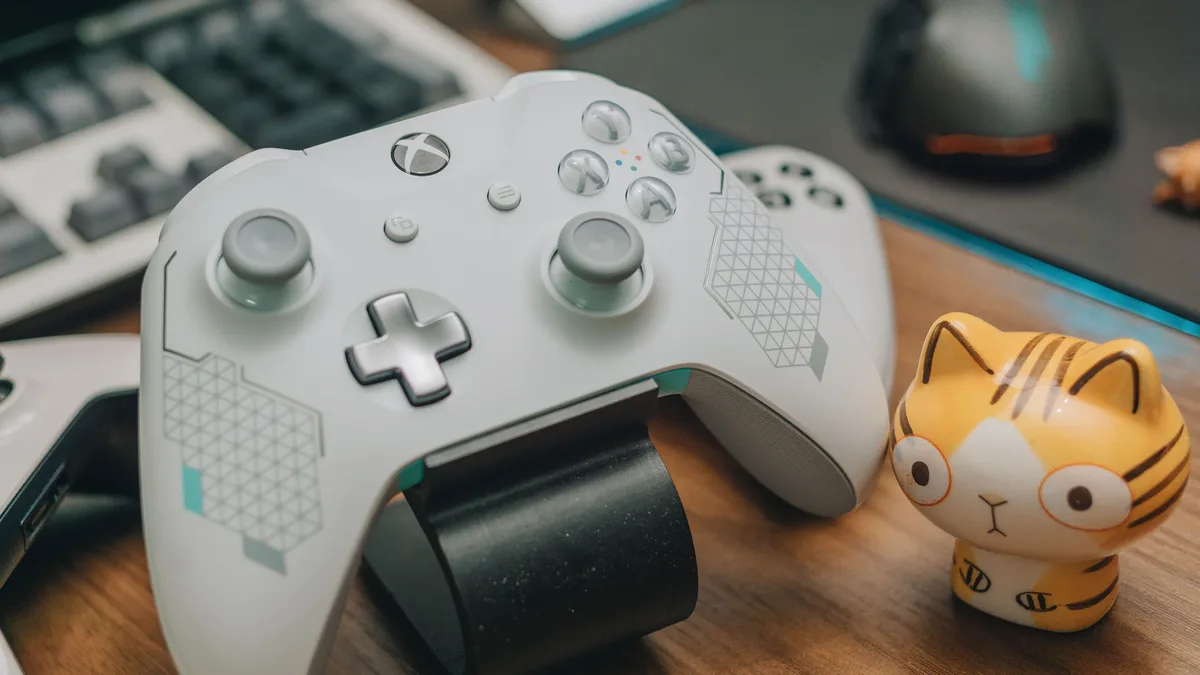
ATK Launches Dragonfly A9 Ultimate+ Gaming Mouse With Magnetic Charging Dock
ATK Gear has launched the Dragonfly A9 Ultimate+ wireless gaming mouse, featuring a magnetic charging dock, a claimed 350-hour battery life.

Qualcomm's new chips boost AI and gaming
Qualcomm announced new Snapdragon chips for phones, PCs, and audio wearables at its Snapdragon Summit.
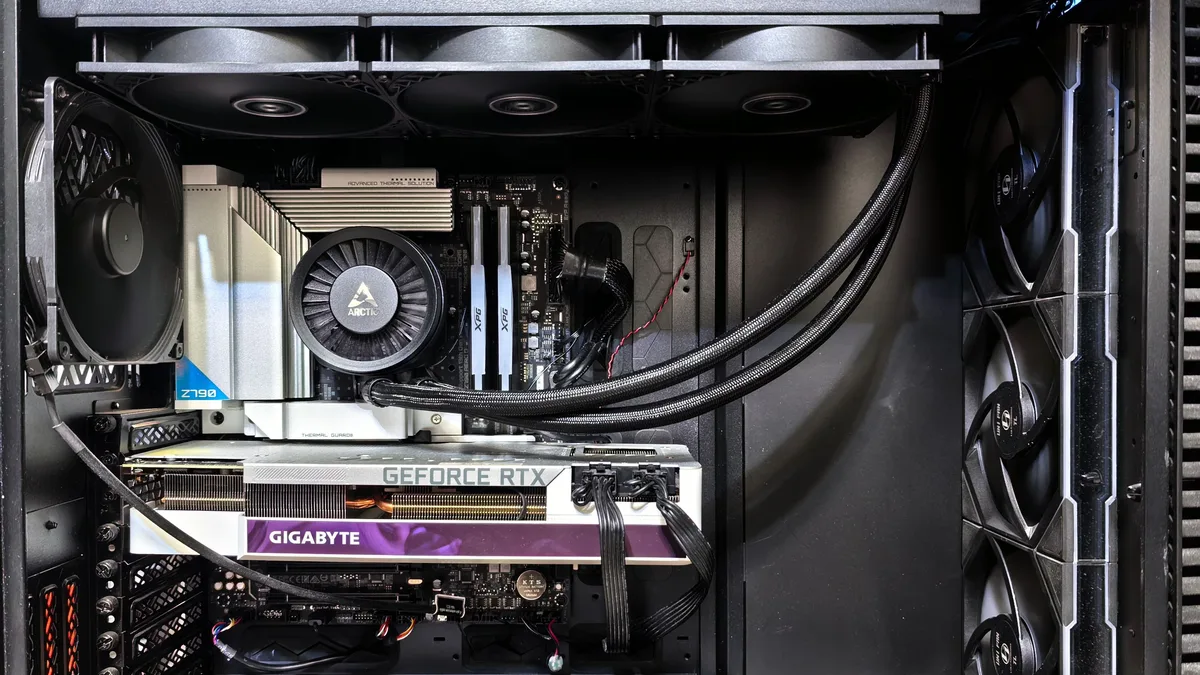
CyberPowerPC SLC8500WST Bundles Ryzen 7 9800X3D and RTX 5080
A new prebuilt gaming PC from CyberPowerPC pairs the Ryzen 7 9800X3D CPU and an Nvidia GeForce RTX 5080 Founders Edition GPU for $2,299.

Philips Evnia 34M2C8600P QD-OLED Monitor Hits 280Hz
Philips has announced the Evnia 34M2C8600P, a 34-inch ultrawide gaming monitor. It uses a QD-OLED panel with an RGB-stripe subpixel layout and a...