Refresh Rate
| Country of origin | Varies by manufacturer |
|---|---|
| First created | Late 1970s (for consumer monitors) |
| Original use | Reducing screen flicker and motion blur in display devices |
| Typical range | 60 Hz to 540 Hz |
| Key determinants | Panel technology, display controller |
| Common standard tiers | 60 Hz, 144 Hz, 240 Hz |
| Primary benefit | Smoother perceived motion |
| Performance correlation | Higher rate reduces frame delivery time |
Origin and history
Refresh rate as a measurable concept for electronic displays originated in the United States during the mid-20th century. Its development is intrinsically linked to the advent of cathode-ray tube (CRT) television and computer monitor technology. The need to define a stable image update cycle was fundamental to broadcast television standards established in the 1940s and 1950s. For instance, the NTSC standard in North America and Japan settled on a refresh rate of approximately 60 Hz due to the frequency of the local AC power grid. Early computer terminals and monitors in the 1970s and 1980s adopted similar refresh rates, often between 50 Hz and 60 Hz, for basic usability. The term "refresh rate" became standardized in technical specifications to describe the number of times per second a display redraws its image.
What it is designed for
Refresh rate is designed to control the perception of motion and reduce flicker on electronic visual displays. A higher refresh rate allows a display to update the on-screen image more frequently each second. This fundamental design directly addresses the problem of image persistence and the physiological perception of smooth motion. In practical terms, it is engineered to make moving content, such as video playback or a scrolling document, appear fluid and continuous to the human eye. For interactive applications, especially gaming, a high refresh rate is designed to reduce the delay between a user's input and the visual feedback on screen. The specification exists to provide a quantifiable metric for comparing the motion clarity potential of different monitors, televisions, and other screen technologies.
Development and versions
The development of refresh rate capabilities has progressed through distinct phases tied to display technology generations. Cathode-ray tube (CRT) displays were capable of supporting a wide range of refresh rates, often from 60 Hz up to 120 Hz or more for specialized applications, as the image was drawn by a scanning electron beam. The transition to fixed-pixel Liquid Crystal Display (LCD) technology in the 1990s and 2000s initially saw a regression, with many early LCDs locked at 60 Hz due to panel response time limitations. The development of Light Emitting Diode (LED) backlighting and improved liquid crystal materials enabled the proliferation of 120 Hz and 144 Hz LCDs for the consumer market in the 2010s. Recent versions include high refresh rate Organic Light-Emitting Diode (OLED) panels and LCDs with refresh rates of 240 Hz, 360 Hz, and even 480 Hz, primarily driven by competitive gaming. Parallel development has also occurred in variable refresh rate (VRR) technologies like NVIDIA G-SYNC and AMD FreeSync, which allow the display's refresh rate to dynamically match the graphics card's frame output.
Best Refresh Rate for gaming
The best refresh rate for gaming is not a single value but depends on the game genre, hardware capability, and user sensitivity. For competitive fast-paced titles like first-person shooters or racing simulators, a higher refresh rate such as 144 Hz or 240 Hz provides a tangible advantage in motion clarity and reduced input lag. Many enthusiasts consider 144 Hz to be the effective sweet spot, offering a significant improvement over 60 Hz while remaining accessible to a wide range of modern graphics hardware. For single-player, narrative-focused games where visual fidelity and resolution are often prioritized, a refresh rate of 60 Hz or 75 Hz may be perfectly adequate if the system cannot drive higher frame rates. It is crucial to match the monitor's refresh rate capability with the consistent frame output of the gaming PC or console; a 360 Hz monitor is of little benefit if the system only produces 80 frames per second. The ultimate benefit diminishes with each incremental increase, with the perceptual difference between 240 Hz and 360 Hz being far less dramatic than the jump from 60 Hz to 120 Hz.
Refresh Rate reviews
Professional reviews of monitors and televisions rigorously test and report on refresh rate performance. Reviewers use specialized tools like photodiode sensors and high-speed cameras to verify that a display meets its advertised refresh rate specification, such as 165 Hz or 240 Hz. A core part of the review involves assessing motion handling at the stated refresh rate, often using standardized tests like the UFO Motion Test to evaluate clarity and the presence of blur or artifacts. Reviews also test the implementation and effectiveness of variable refresh rate technologies, noting any issues with flickering, blanking, or limited operational range. Input lag is measured at various refresh rates, as a higher refresh rate typically, but not always, correlates with lower system latency. Reviewers consistently note that a high native refresh rate is only one component of smooth motion, with pixel response times (often reported as GtG figures) being equally critical to avoid smearing.
Overview
Refresh rate is a core technical specification of any electronic display, measured in Hertz (Hz), indicating how many times per second the image is updated. It is a fundamental property distinct from, but interacting with, the frame rate output by a source device like a computer or game console. A display operating at 120 Hz can refresh its image 120 times in one second, which generally allows it to present up to 120 distinct frames from the source. The synchronization between the source frame rate and the display refresh rate is critical to prevent visual artifacts like screen tearing or stuttering. While historically standardized at 50 Hz or 60 Hz, modern displays offer a wide spectrum, from basic 60 Hz panels to specialized 480 Hz gaming monitors. The practical impact of increasing refresh rate is subject to diminishing returns and is heavily influenced by individual human visual perception and the content being viewed.
What to know
It is essential to know that refresh rate alone does not guarantee smooth motion, as poor pixel response times can cause blurring that negates the benefit of a high refresh rate. The advertised maximum refresh rate, such as 165 Hz, often requires the use of a specific port (like DisplayPort) and a compatible cable to achieve, rather than an older HDMI standard. Variable Refresh Rate (VRR) is a critical supporting technology that allows a display to adjust its refresh rate on the fly to match the source's variable frame rate, greatly improving the experience when frame rates fluctuate. For console gaming, one must check the specific supported refresh rates of the console model, as many are optimized for 60 Hz or 120 Hz outputs. In productivity and general use, a higher refresh rate can make scrolling and cursor movement feel noticeably smoother, which some users find reduces eye strain. The cost per additional Hertz increases significantly at the extreme high end, making value assessments important; a 240 Hz monitor is often far more expensive than a 144 Hz model, with a less dramatic perceptual improvement.
Common questions
A common question is whether a higher refresh rate matters for non-gaming tasks, and the answer is that while the benefit is less critical, many users perceive smoother cursor movement and scrolling in general desktop use. People often ask if they need a powerful graphics card for a high-refresh-rate monitor, and the answer is yes, as the GPU must be capable of rendering frames at a rate matching or exceeding the monitor's refresh rate to fully utilize it. Many wonder about the difference between 60 Hz and 144 Hz, which is typically described as a immediately noticeable and significant improvement in motion clarity and responsiveness, especially in gaming. A frequent point of confusion is the relationship between refresh rate and resolution, and it is important to understand that driving both a high resolution (like 4K) and a high refresh rate (like 144 Hz) demands substantial graphics processing power. Users commonly inquire if a 120 Hz television is the same as a 120 Hz monitor, but televisions often use motion interpolation (the "soap opera effect") to achieve this, which is different from a native 120 Hz panel accepting a 120 Hz signal. Another typical question concerns eye strain, and while some individuals report reduced eye fatigue with higher refresh rates, this is not a universal or medically guaranteed outcome.
Pros and cons
The primary pro of a high refresh rate is a demonstrable improvement in motion smoothness and a reduction in perceived input lag, which enhances the experience in fast-paced games and general desktop navigation. It allows a display to present more visual information per second when the source provides it, making motion appear more lifelike and continuous. A significant con is the substantially higher cost, both for the high-refresh-rate display itself and for the powerful computer hardware required to produce the necessary high frame rates to match it. Users often regret the purchase if their existing hardware, like an older gaming console or integrated graphics laptop, cannot output frames beyond 60 Hz, leaving the monitor's capability unused. A common mistake is prioritizing an extremely high refresh rate, like 360 Hz, while sacrificing other critical panel qualities such as color accuracy, contrast ratio, or resolution, resulting in a one-dimensional display. Furthermore, the pursuit of the highest refresh rate can lead to overlooking the importance of robust variable refresh rate support, which is often more impactful for overall smoothness than a fixed, extremely high refresh number.
Who it suits
High refresh rate displays best suit competitive or enthusiast PC gamers who play fast-paced titles like first-person shooters, racing games, or real-time strategy games, where reaction time and motion clarity are paramount. They also suit users who are sensitive to the flicker or strobing of lower refresh rates and find that smoother scrolling in documents and web browsers reduces their visual discomfort during long work sessions. Content consumers who frequently watch high-frame-rate video material, such as certain sports broadcasts or action cinema, can also benefit from a display that can natively match the source frame rate. This technology is less suited for users with hardware that cannot consistently output high frame rates, such as owners of budget graphics cards or certain game consoles, as they will not realize the primary benefit. It is also a poor fit for individuals whose primary use is static content creation, like photo editing, where color fidelity and resolution are far more critical investments than refresh rate.
Latest Refresh Rate news
Latest reporting

Valve's Plano OLED Steam Frame Shows Higher Resolution in Code
Valve is developing an OLED refresh of its Steam Frame VR headset, codenamed 'Plano', with a native resolution of 3552×3840 per eye.

Philips Evnia 34M2C8600P QD-OLED Monitor Hits 280Hz
Philips has announced the Evnia 34M2C8600P, a 34-inch ultrawide gaming monitor. It uses a QD-OLED panel with an RGB-stripe subpixel layout and a...

Hypertune Auto-Overclocking Tool Launches with Intel Backing
The Hypertune Gaming Performance Engineering platform, built with Intel, claims frame rate boosts up to 60% via automated system tuning.
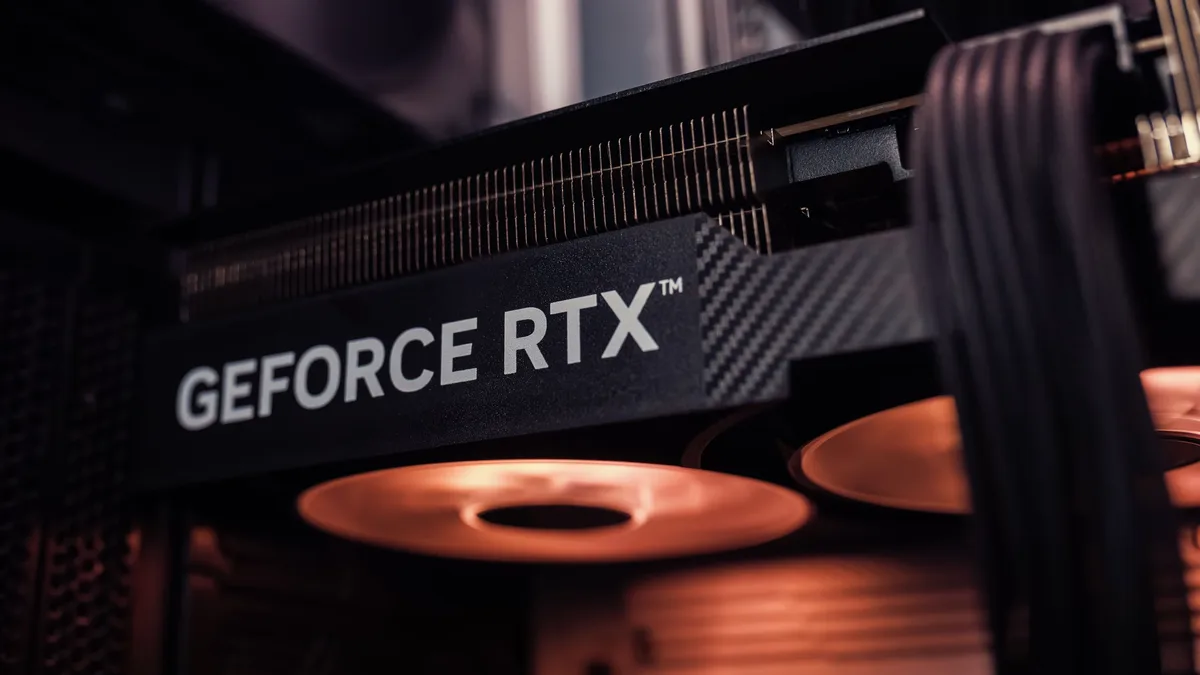
Modders Boost DLSS 5 Performance With Pipeline Rework
A community mod called Neural Upstream reorders NVIDIA's DLSS 5 rendering pipeline, reportedly delivering a major frame rate increase.
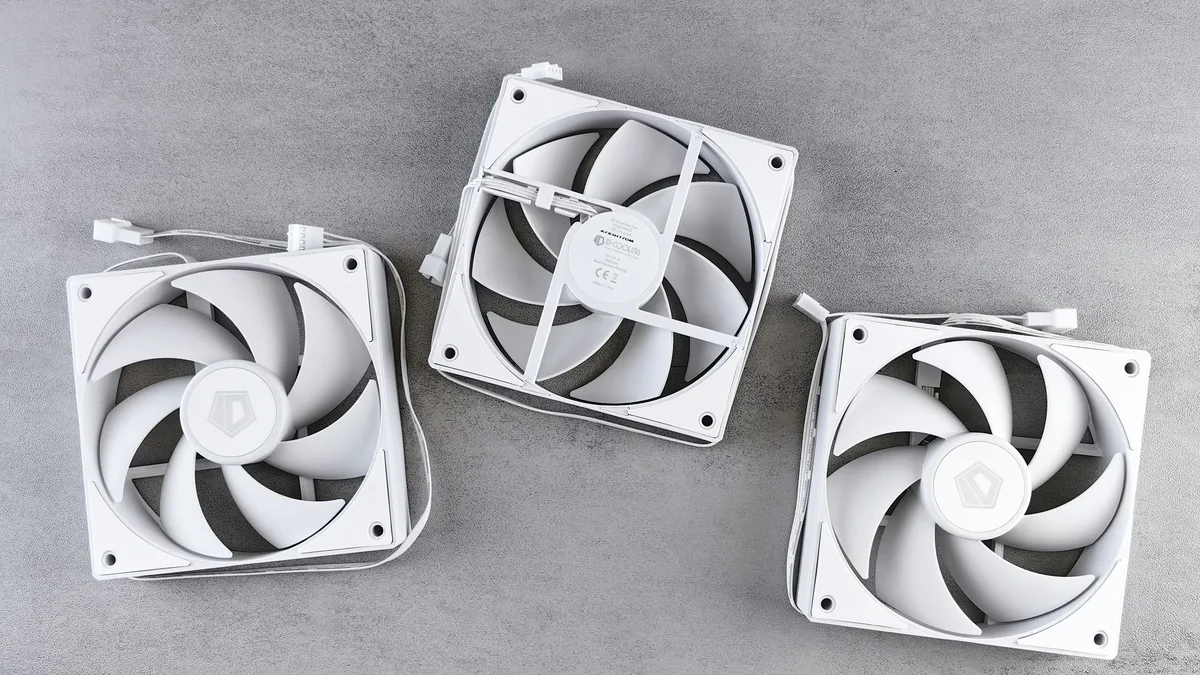
Acer unveils new Predator and Nitro gaming monitors
Acer announced seven new gaming monitors across its Predator and Nitro lines at IFA, featuring refresh rates up to 1000Hz and Dynamic Frame Rate...
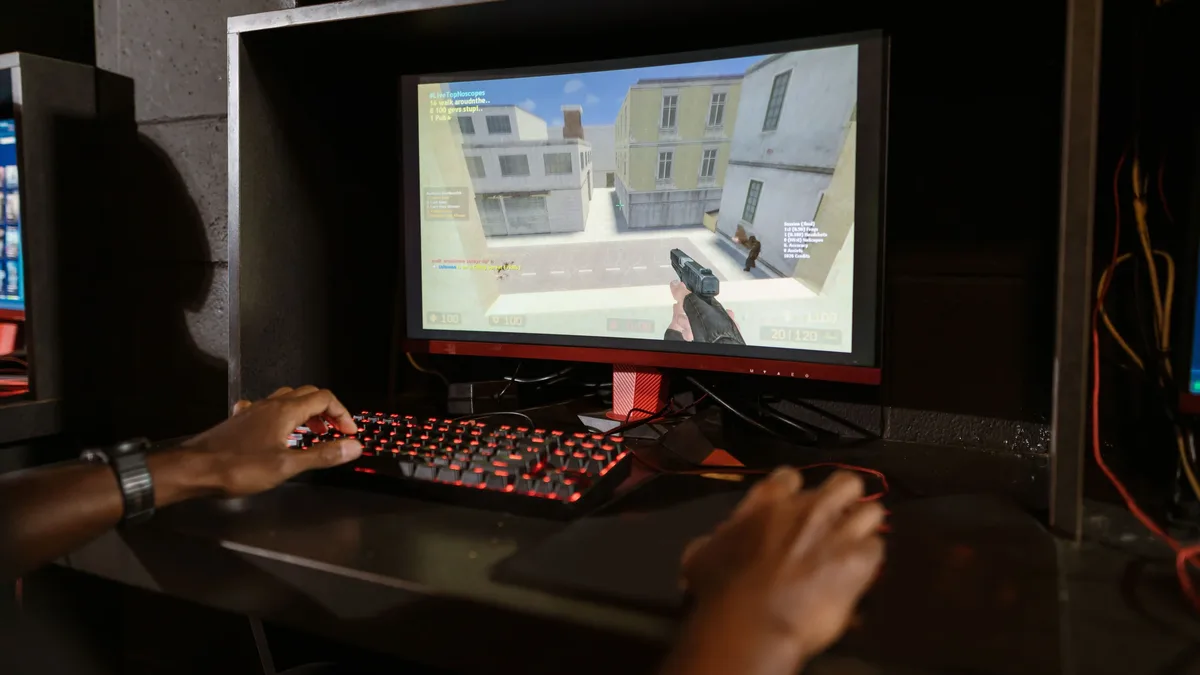
Steam Hit Rates: Sandbox, FPS Lead
A new analysis estimates Steam game revenues, ranking genres by 'hit rate'. Sandbox and FPS genres have the highest likelihood of earning over $100k...